Here are 3 essentials tools to better understand the results of your display campaigns
- Use pixels to measure traffic
- Track your URLs to identify the origin of every click
- Create custom conversions
Why these 3 elements are essential
The performance of a display campaign is not measured solely by impressions or the number of clicks. To truly understand the return on investment (ROI), it is crucial to:
- Measure real traffic coming from each campaign.
- Precisely identify the origin of clicks to adjust budgets and placements.
- Track key conversions to evaluate effectiveness in terms of concrete results.
Use pixels to measure traffic
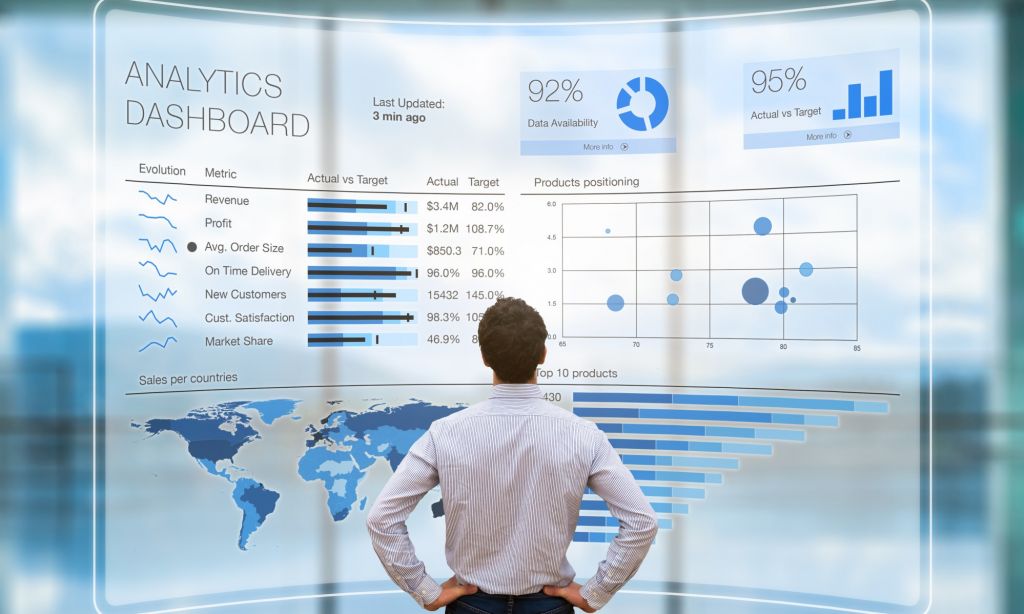
Anyone involved in a digital strategy has likely encountered a Google Analytics dashboard. This is the gold standard for measuring and identifying traffic. When venturing onto new display platforms, installing a pixel should be your first instinct.
Most platforms provide a pixel. Installing it on your site is the first step to take on any new display platform. Pixels allow you to:
- Track visits to your site
- Observe user journeys
- Trigger retargeting campaigns
Setup is simple, a quick copy-paste of the code provided by the platform is enough. Once installed, you can compare your data with Google Analytics or other tools to verify measurement consistency.

A pixel is very helpful to understand your traffic and to have a point of comparison with Google Analytics or any other technology installed to identify your traffic.
Track your URLs to identify the origin of every click
Url tracking is a useful complement to the pixel. Pixels sometimes give the origin of a visitor but they never make the difference between someone who clicked on the URL on your Facebook page and someone who clicked on the link of your Facebook ad.
Url tracking allows you to identify several informations with 1 click. To get these informations, you need to generate urls. Here’s the process: the platform adds values after your website URLs that will help you to identify the platform, the media or even the campaign that generated the click.

Example: https://yoursite.com/?utm_source=instagramstory&utm_medium=image1&utm_campaign=launch2025
Create custom conversions
When you set up a campaign with objectives like selling products or collecting emails or generating downloads, we talk about conversion. These conversions can be tracked very simply. First, you need to identify the URL that visitors access once they have done the action that you want them to do (thank you page, payment confirmation…). Once you got this, you just need to create a conversion based on this URL and you get notified every time this specific page is visited.

In brief, these 3 tools will help you better understand your display campaign's stats but they will also allow you to readjust your strategy according to the best performing channels. If you need to use these tools for your next campaign, feel free to contact us!
 Top 30 best ad musics of all time (Updated 2026)
 The influence of advertising on purchasing behavior
 What is commercial advertising?
 Top 5 colors to use for creating your advertising posters | Adintime
 Facebook Ads Library: The ultimate guide to winning campaigns
 Movember : How brands can get involved without a misstep ?
 How to build an effective media strategy in 2026
 The AIDA model in advertising : Definition and examples
 First-party data : Definition and challenges in the cookieless era
 Customer Acquisition Cost (CAC) : Calculation and optimization